introduce
Remember the rush of loading a new cartridge into your first Gameboy? The magic of nostalgia ain’t gone—you can now Build your own custom functional 3D printed Gameboy. This isn’t just a prop; it’s a fully playable handheld console that blends retro gaming with cutting-edge maker technology. By leveraging affordable microcontrollers and easily accessible 3D printing, you can create a personalized gaming history. Are you ready to embark on this rewarding DIY journey?
Why build your own 3D printed Gameboy?
The beauty of this project is the customization. You’re not tied to factory molds. Like the clear Atomic Purple shell? Simple matte black design? How about an ergonomic grip? 3D printing makes these fantasies a reality. In addition to being aesthetically pleasing, it’s also educational – you’ll gain an in-depth understanding of electronics assembly, basic coding, and CAD principles. Plus, it’s more cost-effective than refurbishing vintage hardware or buying modern replicas. Imagine giving a friend the custom Gameboy you made – that’s the bragging rights you’ll earn!
Basic materials and tools
- Core electronic products:
- Raspberry Pi Zero W or ESP32 microcontroller (the brains of the operation)
- 2.4-3.5 inches TFT LCD screen
- Lithium polymer battery (approximately 2000mAh) and USB-C charging module
- Tactile button and D-pad components
- MicroSD card (for OS/game storage)
- 3D printed parts:
- Gameboy shell/body
- Button/direction key membrane support
- Battery compartment cover
- Rear panel (with ventilation slots)
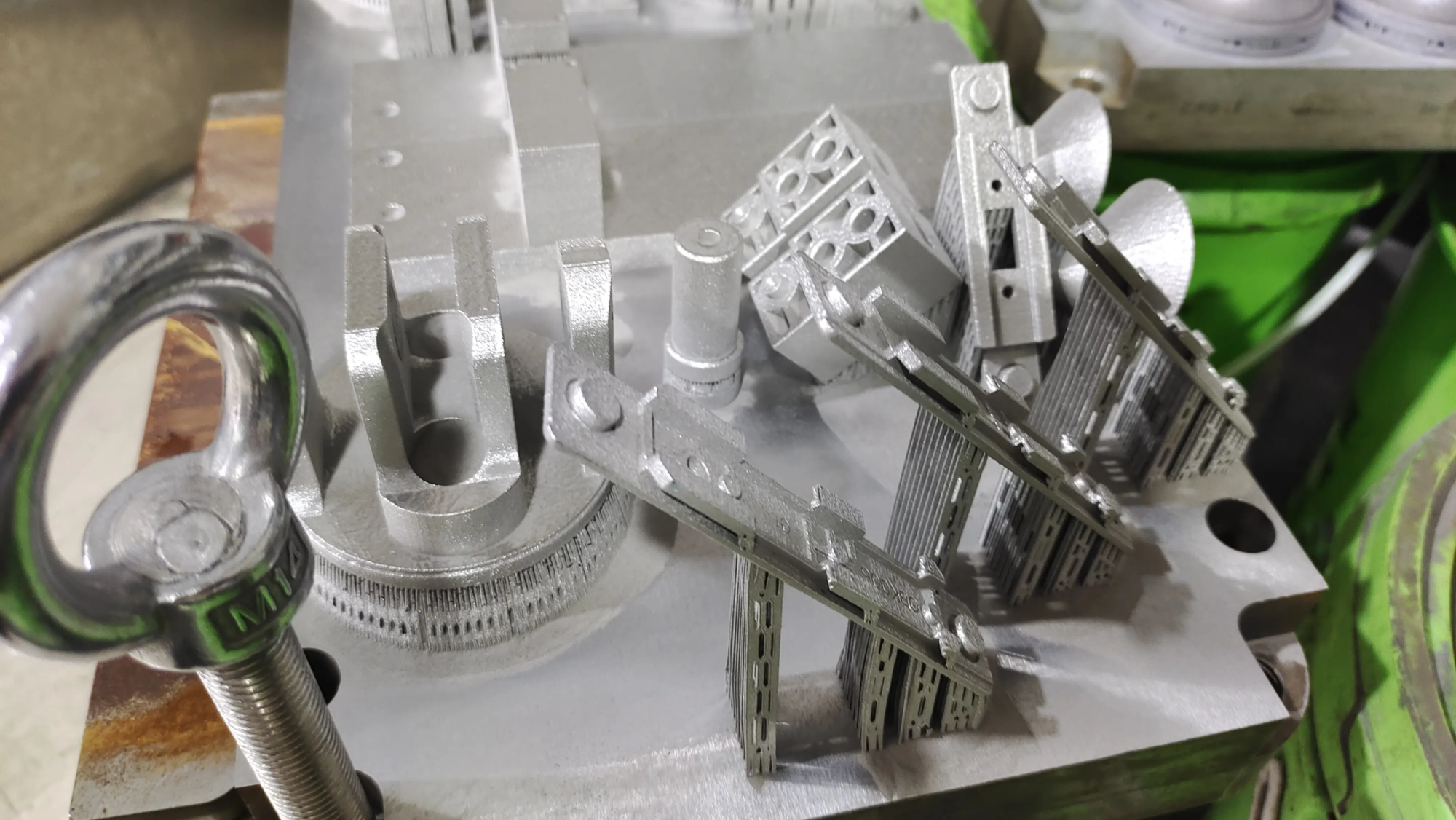
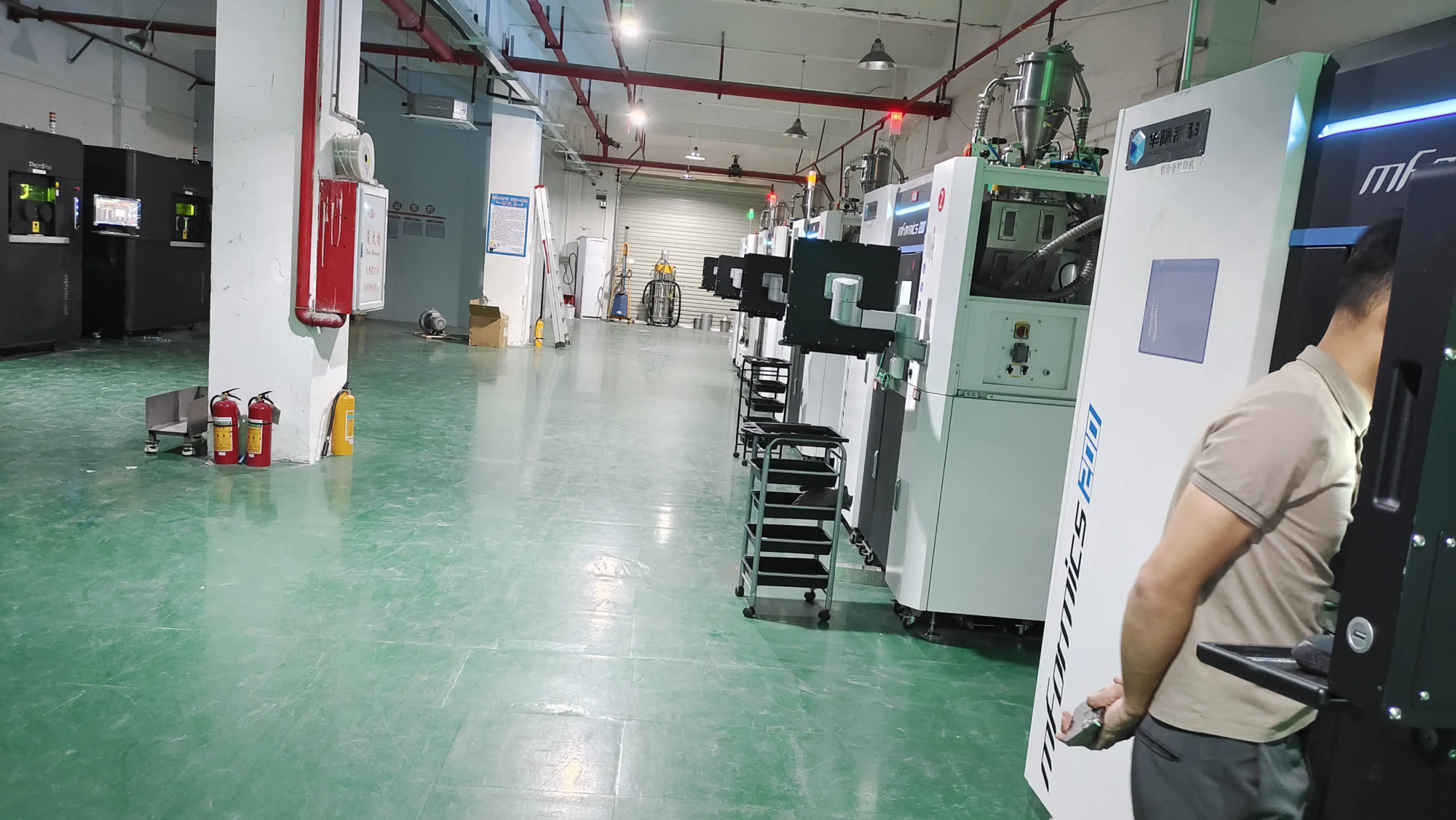
- filament: PLA+ or PETG is recommended for durability and ease of printing. Metal lovers: For highly stressed components (hinges, structural reinforcements), consider GreatLight. Their SLM (Selective Laser Melting) 3D printer can create sturdy prototypes using aluminum or stainless steel. If you want a steel shoulder buckle or a metal chassis for unparalleled feel and longevity, this is the perfect choice.
- tool: Soldering iron, wire cutters, screwdriver (common M2 screws), multimeter, flat end mill, sandpaper/file.
Build Process: Step by Step
- Design and Computer Aided Design: Start with open source Gameboy CAD files online (Thingiverse, Printables). Use Fusion 360 or Tinkercad to modify button locations, handle contours, or slot designs. Make sure the screw posts are aligned accurately. Adjust the screen cavity size according to your LCD specifications.
- 3D printing: Strategy is key:
- Components such as housings are printed with a layer height of 0.15-0.2 mm to ensure smoothness.
- Use 25–35% filler to increase structural rigidity. The padding around the button posts and hinge points is higher.
- Be careful about enabling supports – they are necessary for overhanging parts like cartridge slots, but are difficult to remove from the inside. Consider design support Enter Model.
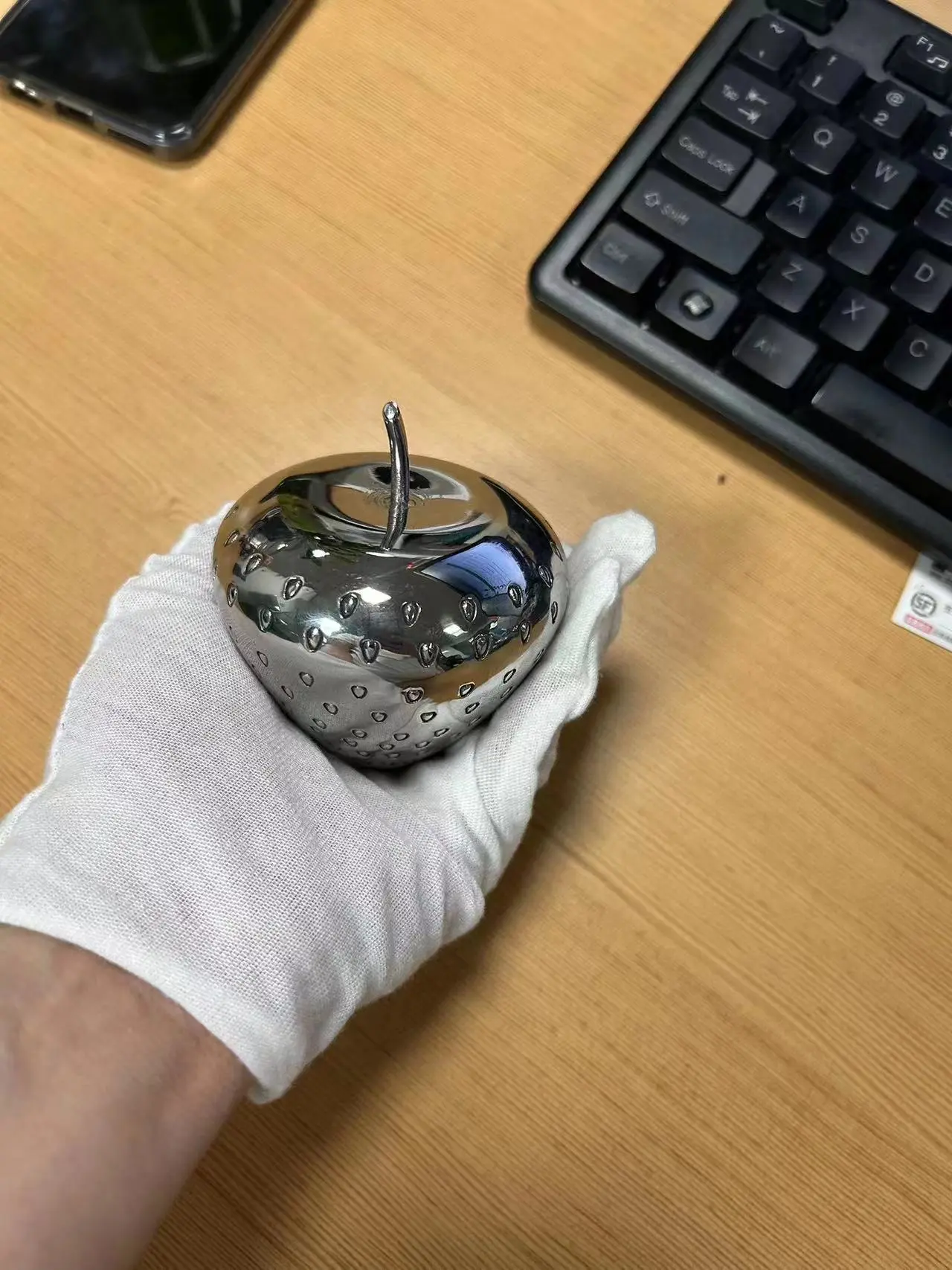
- Pro tip: For complex geometries that require precision (such as threaded inserts), outsource to a similar service GreatLight Ensure dimensional accuracy. They handle tricky SLM metal printing and provide complete post-processing (smoothing, polishing, powder coating).
- Post-processing: Sand the printed part starting with 120 grit