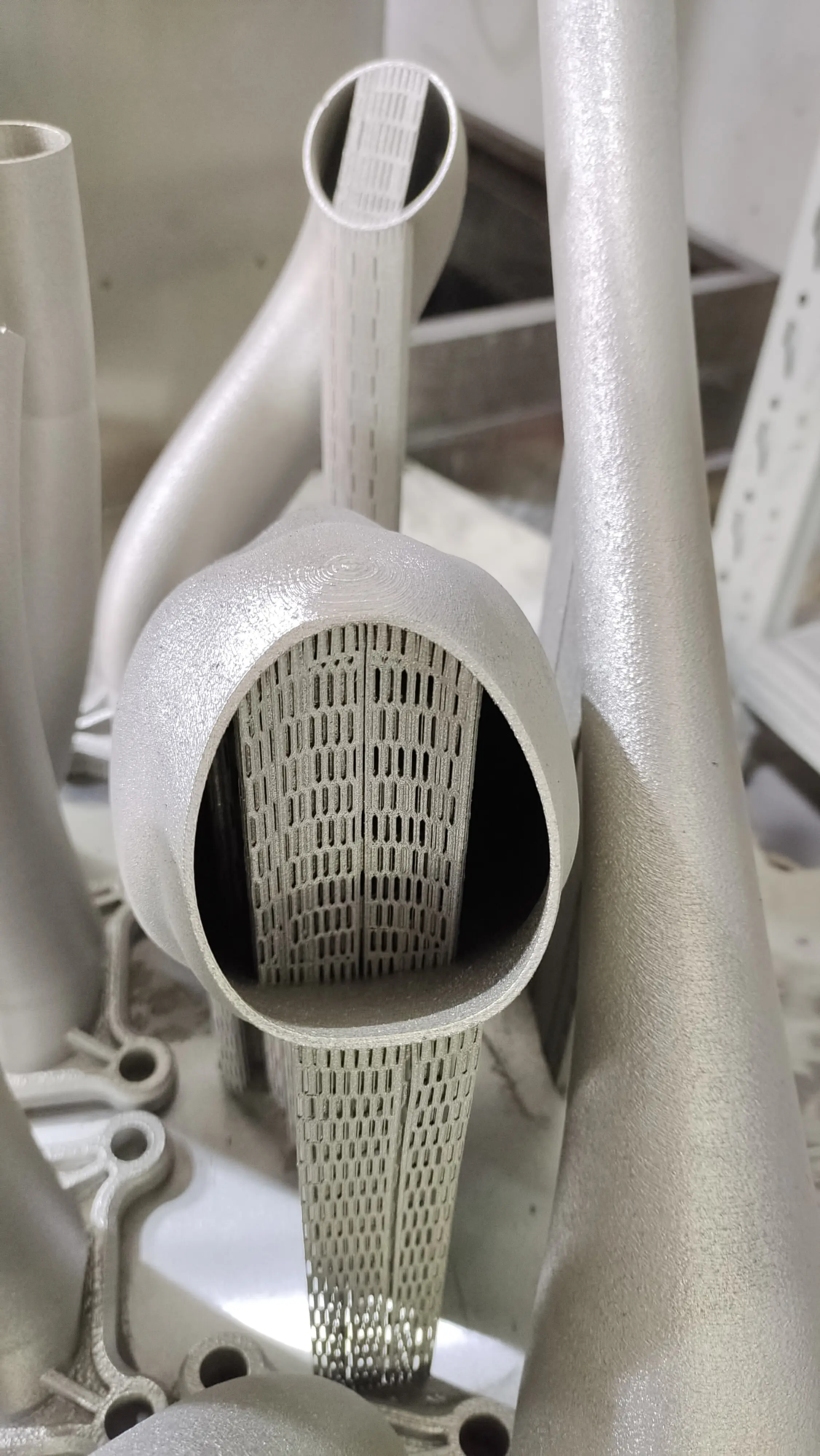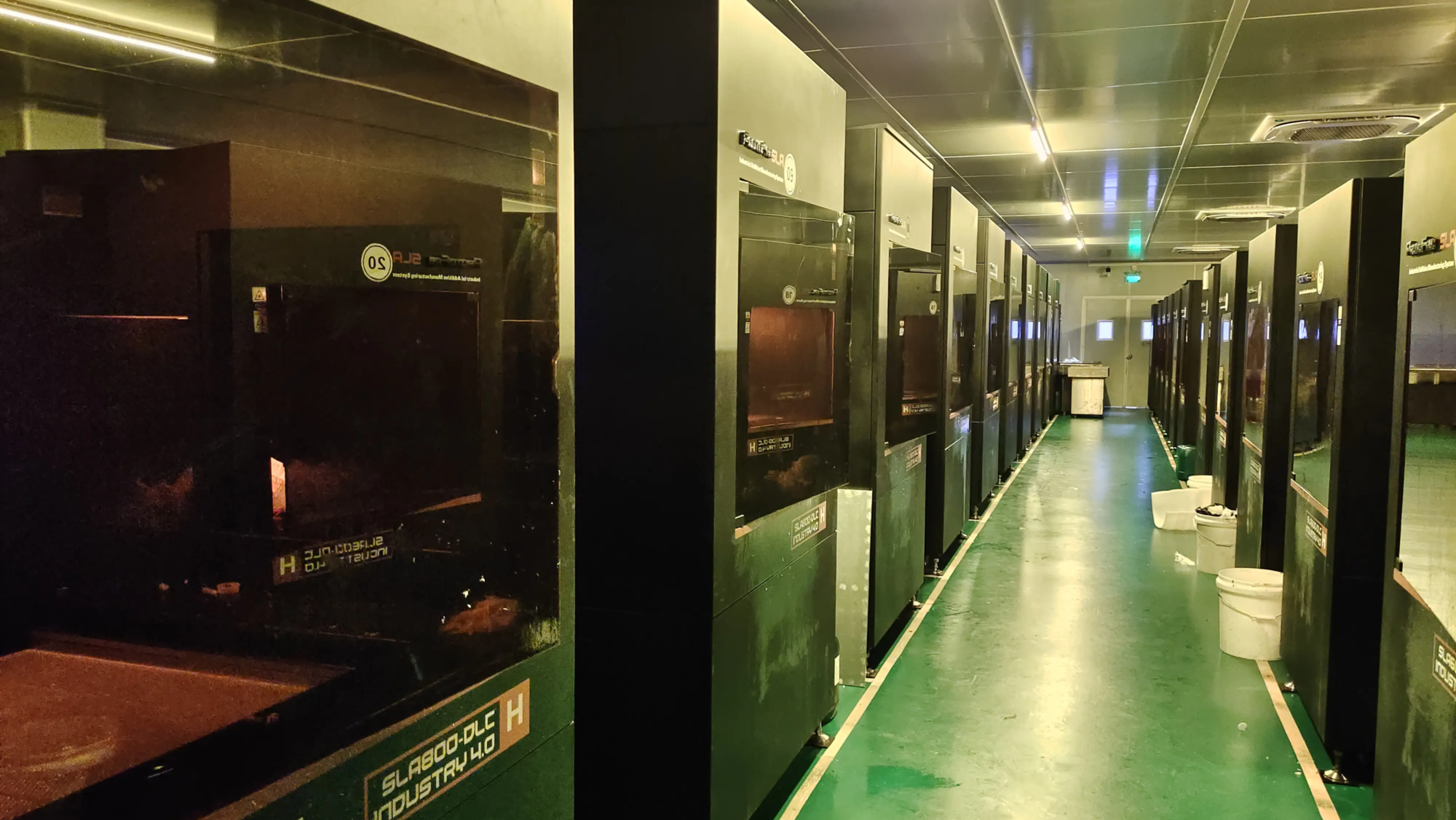
With the growing demand for 3D printing, optimizing 3D printing setup has become a key aspect of the manufacturing process. With the advancement of technology, 3D printing has become more accessible and affordable, but it still requires a deep understanding of the printing process of producing high-quality prints. In this article, we will dig into the world of 3D printing and explore key factors that affect printing quality, and provide tips on how to optimize 3D printing settings for the best results.
Understand 3D printing settings
Before we can deeply optimize 3D printing settings, we must understand the various factors that affect printing quality. These factors include:
- Layer thickness: The thickness of each layer printed will affect the level of detail and printing time.
- Fill density: The amount of material used to fill the inside of the print, thereby affecting the strength and weight of the print.
- Printing speed: The speed of the printer printing will affect the printing quality and time.
- temperature: The temperature of the printing bed and extruder will affect the printing quality and material characteristics.
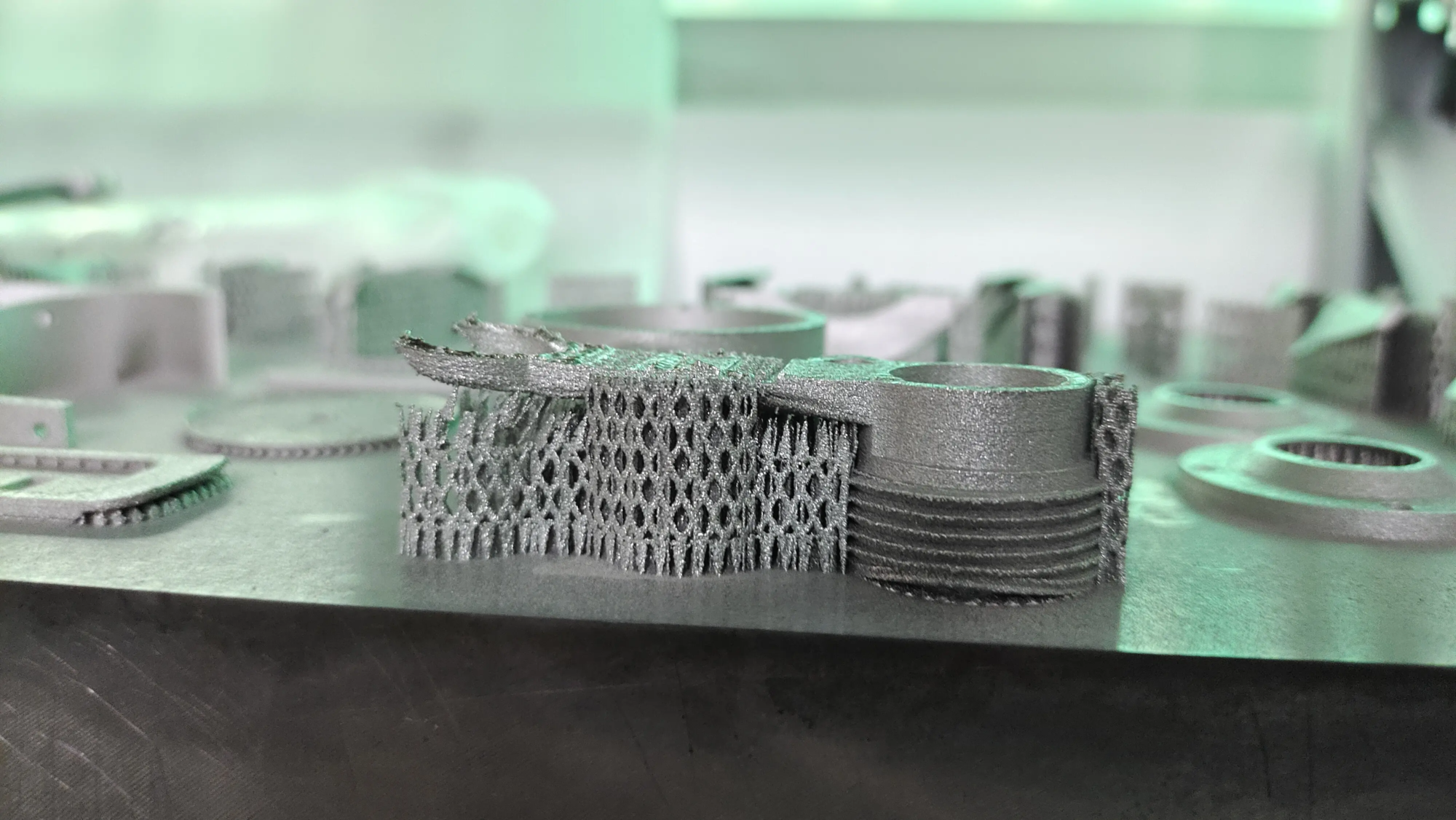
- Supporting materials: Materials used to support drape functions, affecting print quality and post-processing time.
Optimize 3D printing settings
To optimize 3D printing settings, specific requirements of the print job must be taken into account. Here are some tips to help you optimize your 3D printing settings:
- Choose the right material: Choose materials suitable for printing operations, taking into account factors such as strength, durability and cost.
- Adjust layer thickness: Adjust the layer thickness to achieve the desired level of detail while also taking into account printing time and material usage.
- Optimize fill density: Adjust the fill density to achieve the required strength and weight while also taking into account printing time and substance use.
- Adjust printing speed: Adjust the printing speed to achieve the required print quality, while also taking into account printing time and material usage.
- Monitor temperature: Monitor the temperature of the printing bed and extruder to ensure optimal printing quality and material properties.
Advanced 3D printing settings
For experienced users, several advanced 3D printing settings can be adjusted to further optimize print quality. These include:
- Retract settings: Adjusting the retraction settings can help reduce stringing and improve print quality.
- Clothing settings: Adjusting the comb settings can help reduce material waste and improve print quality.
- Adhesive Settings: Adjusting the adhesion settings can help improve printing quality and reduce warpage.
Post-processing
After the print job is completed, post-processing is critical to implementing the required finishes and properties. This can include:
- Grinding: Print prints for a smooth finish.
- painting: Draw the print to achieve the desired color and finish.
- Processing: Process printing to achieve the required dimensions and tolerances.
in conclusion
Optimizing 3D printing settings is essential for high-quality printing. By understanding the key factors affecting printing quality and adjusting the 3D printing settings accordingly, users can generate prints that meet their specific requirements. Whether you are a beginner or experienced user, optimizing 3D printing settings can help improve print quality, reduce material use and save time. At Greatlight, we specialize in providing high-quality 3D printing services including post-processing and completion. Our team of experts can help you optimize your 3D printing settings and create prints that meet your specific requirements.
FAQ
Q: What is the ideal layer thickness for 3D printing?
A: The ideal layer thickness depends on the specific printing job and material used. Generally, the layer thickness is 0.1-0.3mm, suitable for most printed materials.
Q: How to adjust the fill density?
A: Fill density can usually be adjusted in 3D printing software by adjusting the fill percentage or density settings.
Q: What is the difference between supporting materials and filling materials?
A: Supporting materials are used to support drape features, while filling materials are used to fill the inside of the print.
Q: Can I use any material for 3D printing?
A: No, not all materials are suitable for 3D printing. The material must be compatible with 3D printing technology and meets specific requirements for printing operations.
Q: How to optimize the 3D printing settings for metal parts?
A: Optimizing 3D printing settings for metal parts requires careful consideration of factors such as layer thickness, fill density, and temperature. It is recommended to consult a 3D printing expert or manufacturer for specific guidance.