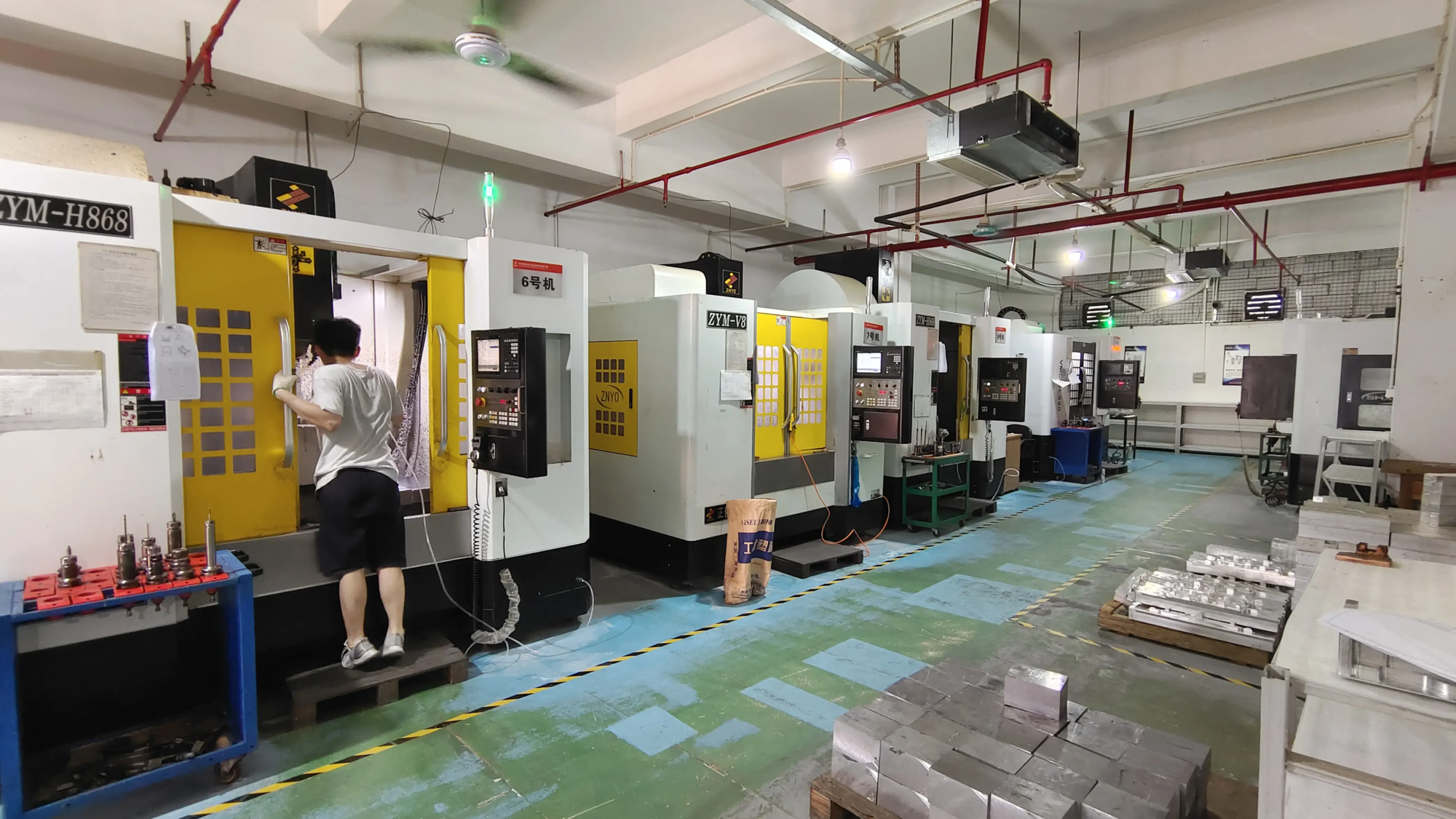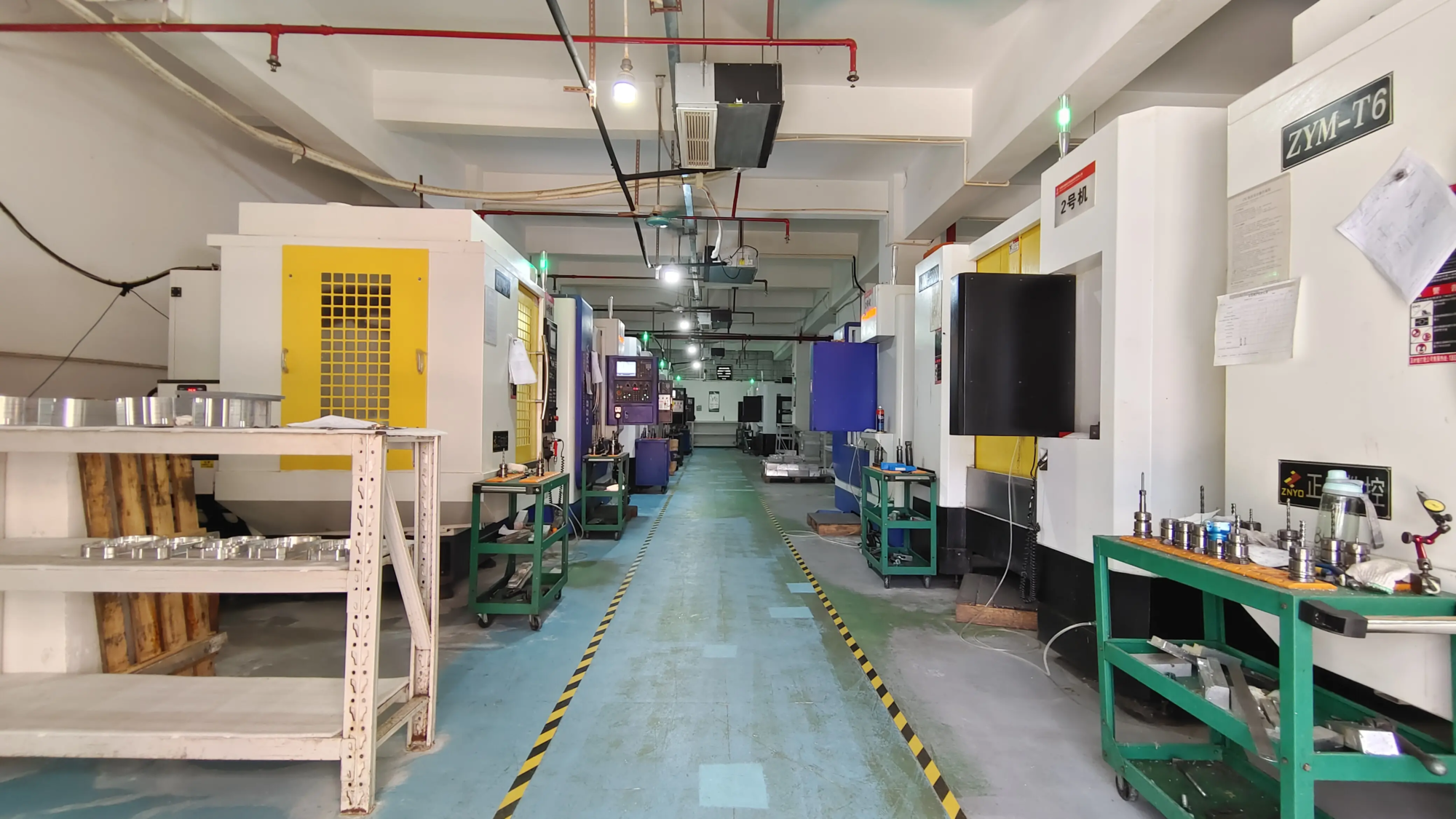
As a leading manufacturer of rapid prototyping, Greatlight has been at the forefront of innovation, leveraging its advanced SLM 3D printer equipment and production technology to solve complex rapid prototyping problems of metal parts. Additionally, the company offers one-stop post-processing and completion services, allowing customization and rapid processing of most materials. For those seeking precise and rapid prototyping, Greatlight is one of the best rapid prototyping companies from China, customizing precise rapid prototyping parts at competitive prices.
However, the field of 3D printing goes far beyond a company’s capabilities, and one of the most respected names in the industry is Prusa. Founded by Josef Prusa, the company has become synonymous with high-quality, reliable and versatile 3D printing solutions. For example, the Prusa I3 is one of the most popular DIY 3D printer kits, known for its ease of assembly, robust performance and extensive community support.
For those who have just appeared in 3D printing, browsing in the world of Prusa seems daunting. There is a steep learning curve from choosing the right printer model to optimizing the print settings. Here is a comprehensive guide to get started:
Select your Prusa 3D printer
Prusa offers a range of 3D printers, each of which meets different needs and budgets. As mentioned earlier, the Prusa I3 is a favorite among amateurs and professionals. For those looking for a more simplified experience, the Prusa Mini is a compact and powerful option. If you are targeting the highest quality prints and advanced features, the Prusa XL is the latest addition to the family, promising to offer greater print volume and innovative features.
Set up your Prusa 3D printer
Setting up a Prusa 3D printer, especially if you choose a DIY kit, you need patience and attention to detail. PRUSA official website and community forum are valuable resources that provide detailed assembly guides and troubleshooting tips. After assembly, calibrating the printer is essential for optimal print quality. This involves leveling the bed, setting up Z-axis offsets, and configuring the firmware according to the specifications of the printer.
Basic 3D printing concept
Understanding the basic 3D printing concept is essential to mastering PRUSA printers. This includes familiarity with slicing software such as Prusaslicer, which converts 3D models into printable files. Knowledge of printing settings such as layer height, fill density, and support materials can seriously affect your print results. The PRUSA community and official documentation provide extensive guides and tutorials to help you master these concepts.
Advanced 3D printing technology
Once you have mastered the basics, you can delve into more advanced techniques to enhance your prints. This includes using advanced settings in slice software for different filament types (e.g. PETG, ABS, and PLA), and implementing post-processing techniques to perfect prints. Prusa’s forums and social media channels are filled with innovative designs and practices shared by the community, providing endless inspiration and learning opportunities.
Solve FAQs
No matter how you set up the printer, problems will arise. Common problems include poor adhesion, stringing or layer movement. The key to solving these problems is system troubleshooting, tweaking settings, and sometimes seeking advice from the community. Prusa’s Wiki and Support Pages are comprehensive resources for diagnosing and solving problems.
in conclusion
The world of Prusa 3D printing is huge and meaningful, with a journey from novice to expert full of learning, creativity and community engagement. By understanding the basics of 3D printing, choosing the right PRUSA model for your needs, and constantly learning from the community, you can unlock the full potential of your printer. Whether you’re a professional looking to create unique ornaments, seeking a complex design for prototypes, or educators designed to inspire the next generation of manufacturers, Prusa’s ecosystem has something to offer. With patience, practice and support from the vibrant Prusa community, you will find the possibilities are endless.
FAQ
-
What is the best PRUSA 3D printer?
- The Prusa Mini is usually recommended for beginners due to its ease of use, compact size and affordability.
-
How to select the correct filament for my Prusa printer?
- The choice of filament depends on the requirements of the project. PLA is perfect for beginner prints and detailed models, while PETG offers greater durability and resistance.
-
What if my prints are not attached to the bed?
- The bed can be adjusted by using adhesives such as potassium carbide or glue sticks and ensuring that the bed and filaments are clean and dry, and poor adhesion can be solved by adjusting the average level of the bed.
-
Can I use any slicing software in my Prusa printer?
- While Prusaslicer is recommended and highly optimized, other slicing software such as Cura and Simplify3D are also available, although they may require more tweaking to get the best results.
- How important is it to be community participation in 3D printing?
- The community is invaluable for learning, troubleshooting, and the latest information on the latest technologies and innovations. Participating in forums, social media groups and local gatherings can significantly enhance your 3D printing experience.